
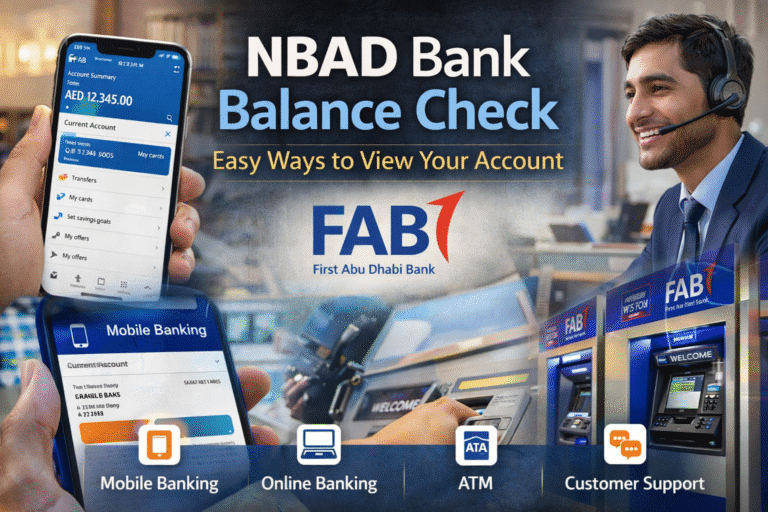
Managing your money starts with checking your balance regularly. If you have an account with National Bank of Abu Dhabi, now part of First Abu Dhabi Bank, doing an NBAD band check is simple and quick. Whether you prefer mobile banking, online access, or visiting an ATM, there are several easy ways to view your account details without stress.
Since NBAD merged with FAB in 2017, all services are now handled through FAB’s banking system. That means customers use FAB’s app, website, ATMs, and customer support channels to manage their accounts, including completing an NBAD Bank Balance Check. Even if you still refer to it as NBAD, the entire process is now fully integrated under FAB’s platform.
1. Check Balance Through Mobile Banking App
The fastest and most convenient way to check your balance is through the FAB mobile banking app. It gives you instant access to your account anytime, from anywhere.
Start by downloading the FAB Mobile app from the Google Play Store or Apple App Store. Once installed, log in using your username and password. If you are a new user, you can register directly through the app using your debit card details and registered mobile number.
After logging in, your dashboard will show:
- Available balance
- Current balance
- Recent transactions
- Credit card details if linked
The app is available 24 hours a day. You can enable fingerprint or face recognition for faster and secure login. This reduces the need to enter your password every time.
The mobile app also allows you to transfer money, pay bills, request statements, and set up alerts. For most customers, this is the easiest way to complete an NBAD Bank Balance Check.
2. NBAD Bank Balance Check via Online Banking
If you prefer using a computer or need detailed account information, online banking is a good option. Visit the official FAB website and log in using your credentials.
Once you enter your account dashboard, you can access:
- Account summary
- Available and ledger balance
- Full transaction history
- Downloadable monthly statements
- Pending transactions
Online banking is helpful if you need to print statements for visa applications, loan processing, or business records.
Always make sure you are accessing the official website. Avoid clicking on unknown links. If you are using a shared computer, log out completely after your session and clear the browser history if needed.
3. Check Balance at an ATM
For customers who prefer traditional banking methods, ATMs are still a reliable choice. FAB ATMs are available across the UAE.
To check your balance:
- Insert your debit card.
- Enter your PIN.
- Select “Balance Inquiry.”
Your available balance will appear on the screen within seconds. You can choose to print a receipt if you need a record.
This method is useful if you are already outside or do not have internet access. It is also simple for people who are not comfortable using mobile apps or online banking.
However, always shield the keypad when entering your PIN. Never accept help from strangers at the ATM.
4. SMS Banking Service
SMS banking is another simple way to stay updated. If you are registered for SMS alerts, you receive automatic notifications every time money is credited or debited from your account.
These alerts help you track your balance without logging in. Some services may also allow you to send a specific SMS command to receive your current balance.
To activate SMS banking, you can:
- Register through the FAB mobile app
- Use online banking settings
- Contact customer support
Make sure your mobile number is updated in the bank’s records to avoid missing important alerts.
5. Contact Customer Support
If you are facing login issues, forgot your password, or cannot access your account online, customer support is available to help.
Call FAB’s official helpline and follow the instructions. After verifying your identity through security questions, the representative can assist you with balance inquiries or guide you step by step.
Never share your PIN, full password, or OTP with anyone, even if they claim to be from the bank. Bank representatives will never ask for this information.
Why Regular Balance Checks Are Important
Checking your account balance regularly helps you stay in control of your finances. It allows you to:
- Avoid overdraft charges
- Track daily expenses
- Detect unauthorized transactions early
- Plan savings more effectively
- Manage loan or credit card payments
Even a quick weekly check can prevent financial surprises. Many people make it a habit to review their account after salary credit or large payments.
Common Issues and Simple Solutions
Sometimes customers face minor issues such as:
- Forgotten password
- Locked account after multiple wrong attempts
- App not loading properly
- Delayed SMS alerts
Most of these problems can be solved by resetting your password through the app or website. If the issue continues, contacting customer care is the best option.
Keeping your app updated to the latest version also helps avoid technical glitches.
Security Tips for Safe Balance Checking
Your financial security is important. Follow these basic safety tips:
- Use strong passwords with a mix of letters and numbers.
- Change your password regularly.
- Enable biometric login if available.
- Avoid using public WiFi for banking transactions.
- Do not save banking passwords on shared devices.
- Activate transaction alerts for better monitoring.
If you notice any suspicious activity, report it to the bank immediately.
Final Thoughts
The NBAD Bank Balance Check process is designed to be simple and convenient. Whether you choose the FAB mobile app, online banking, ATM services, SMS alerts, or customer support, you can access your account information anytime.
Digital banking has made it easier than ever to stay updated. Choose the method that fits your routine and check your balance regularly, especially if you are managing monthly expenses or payments for home loan. Staying aware of your account activity helps you manage your money better and avoid unnecessary problems.